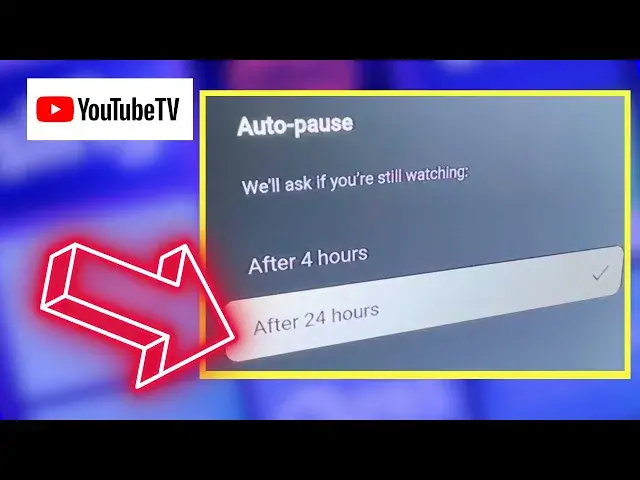

How to Change YouTube TV's 'Are You Still Watching' Setting
Apr 8, 2024


After four hours of inactivity, YouTube TV will display an "Are you still watching?" message. However, you can adjust this setting so the app won't kick you out until 24 hours of inactivity. In this video, I show you how to change the setting from a TV set. Find more YouTube TV tips and tricks here: https://michaelsaves.com/streaming/change-youtube-tv-settings/
FOLLOW MICHAEL SAVES:
Website: https://michaelsaves.com/
Main Channel: https://www.youtube.com/michaelsaves
Free Newsletter: https://mailchi.mp/a36c20b3255d/michaelsaves
Show More Show Less