0:00
YouTube TV users like the unlimited cloud DVR storage but a redesign of the library
0:05
it's not going over so well. So today I'm going to explain why and explain how I think YouTube TV
0:12
can fix it. Let's get into it. YouTube TV first announced the library redesign in January 2023
0:19
and it emphasized that the new DVR would give viewers more control saying this
0:24
members have built up their libraries over time but programs they were interested in several
0:29
years ago might no longer be relevant to them. Take a look at the new library which is gradually
0:35
rolling out to subscribers. I don't have the library update yet but I have heard from several
0:39
subscribers who are not happy with it and then I saw this Reddit thread with even more complaints
0:45
about the new DVR. So based on my understanding so far the new library has made it more difficult
0:51
for some users to find their recordings and it doesn't actually give them more control
0:57
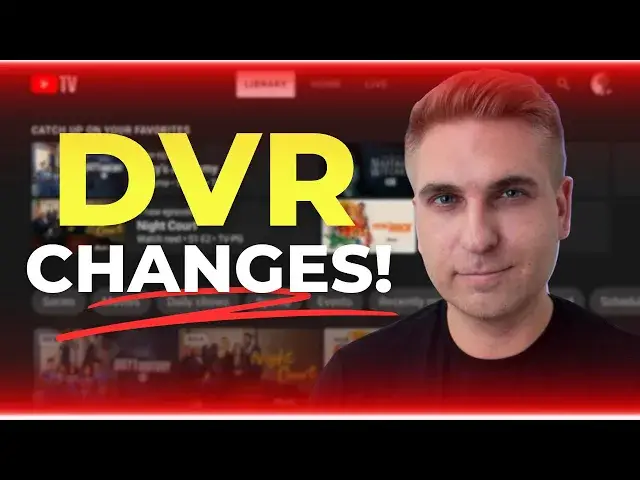
Take a closer look at this image of the new DVR. One complaint I've read is that the catch up with
1:02
your favorite section just isn't displaying relevant content and also some users preferred
1:07
the old DVRs new in your library section. That's what you're looking at right here and this is the
1:12
section of the library that I actually use most often because it's a quick way to find new episodes
1:18
not reruns. But with the new DVR users say the recently recorded section just isn't as easy to
1:25
navigate and this redesign just doesn't address the biggest complaint that I've heard about YouTube
1:29
TV's DVR and that is a complaint I've been hearing for years. You probably already know that with
1:35
YouTube TV's DVR you cannot record or delete a single episode. When you add a series to your DVR
1:42
all episodes are recorded. Now changing this would actually give users a lot more control but what
1:48
else can YouTube TV do to improve the DVR? I've got a few solutions and I think they are practical
1:54
ones. I'm going to start with that new catch up on your favorite section because there are two
1:58
improvements that I think would make a real big difference. First let users customize this section
2:04
by pinning specific recordings. So if you decide to record friends and want to start watching one
2:09
episode a day from the beginning wouldn't it be nice to see that show in the same spot every time
2:14
you open up the DVR? I think YouTube TV could find a way to make this section more customizable
2:20
because after all users are able to sign in from a computer or the YouTube TV mobile app to
2:26
reorganize the live guide including moving favorite channels to the top. My second recommendation add
2:32
a don't show me this option. Since the catch up with your favorite section is based on recommendations
2:38
users need a way to tell YouTube TV when the recommendations are way off. For example you may
2:43
not need to catch up on a movie that you only watched once and didn't really like. YouTube TV
2:49
already has a don't show me this option accessible from a phone or computer that you can use to let
2:54
the service know when you don't want to see specific content on your home screen. My idea
2:59
is to just expand this option to the library. Aside from those two things I agree with a lot
3:04
of the feedback I've read about the new in your library content. This is the old DVR interface
3:10
and I think new in your library really works. Most people subscribe to YouTube TV for live sports and
3:16
news plus current seasons of TV shows and new movies. There needs to be a place to easily sort
3:23
all that new content from the library content. In its January blog post YouTube TV said the rollout
3:29
of the new library would be taking place over a few months time. Let me know down below in
3:34
the comments if you have the update and how it's going for you. Thanks for watching